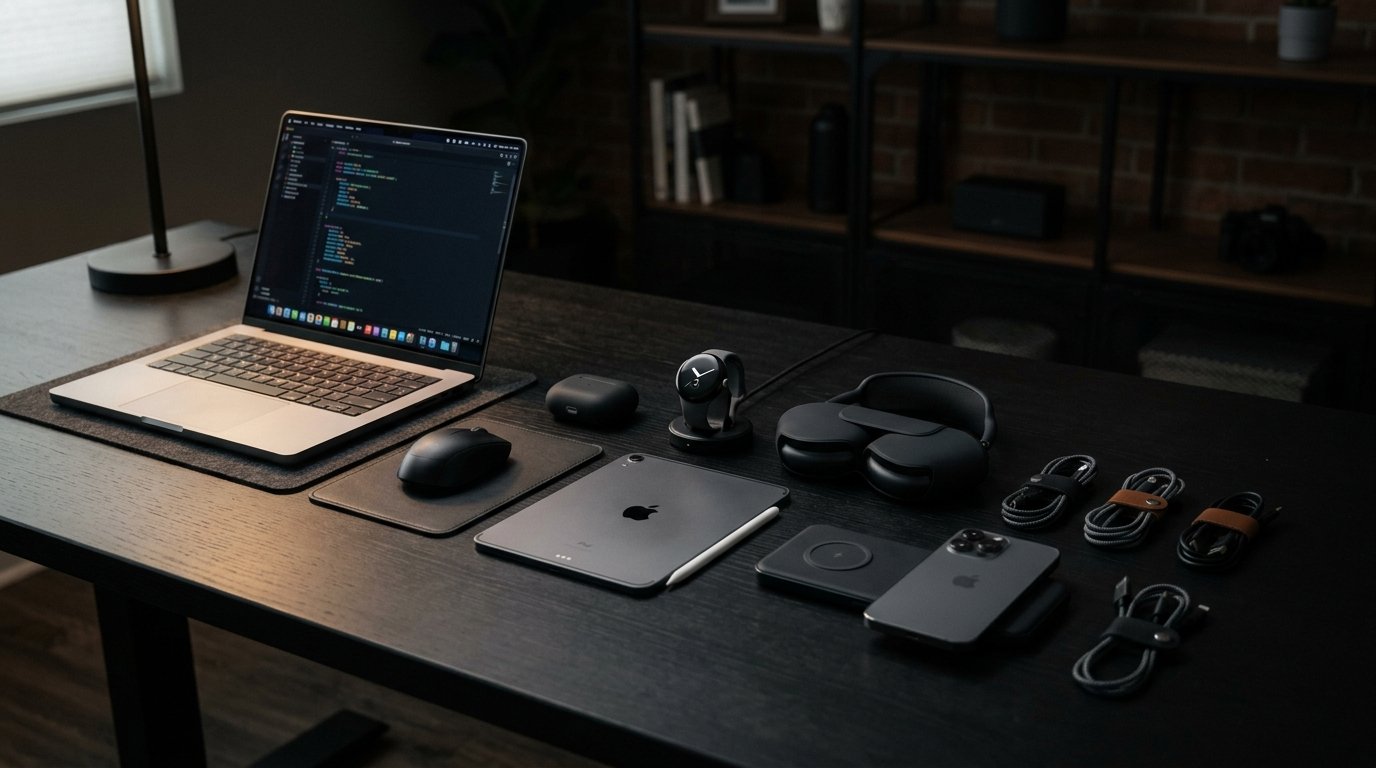
Choosing the right laptop and computer accessories can make working, studying, and managing everyday tasks much easier. Whether you are a student attending online classes, a freelancer working from home, or an office professional managing daily projects, you do not always need expensive equipment to stay productive. In 2026, budget-friendly laptops and useful accessories offer practical solutions for writing assignments, browsing the internet, attending video meetings, creating presentations, and completing office work. The key is to choose reliable devices with suitable specifications, comfortable designs, and features that match your needs. In this guide, we will explore affordable laptops, essential computer accessories, and smart shopping tips to help you build an efficient workspace without overspending.
What to Look for in a Budget Laptop
Before purchasing a budget laptop, consider how you plan to use it. Students who mainly write assignments, research online, and attend virtual classes may not need the same performance as freelancers who edit videos, develop websites, or run demanding applications. A suitable processor, sufficient memory, fast storage, and a comfortable display can make a significant difference in everyday performance.
For most basic work and study tasks, look for a modern entry-level processor, at least 8GB of RAM, and a 256GB SSD. If your budget allows, 16GB of RAM and a 512GB SSD can provide more room for multitasking and files. Battery life, keyboard comfort, webcam quality, connectivity, and warranty coverage are also important considerations. Comparing these features before buying helps you find a laptop that offers good value over time.
Best Budget Laptops for Students
Students need laptops that can handle research, online lectures, documents, presentations, and educational software. Affordable Windows laptops from brands such as Lenovo, HP, Dell, and ASUS can be suitable choices, depending on their specifications and price. A Chromebook may also work well for students who mainly use web-based applications, cloud documents, and online learning platforms.
When choosing a student laptop, prioritize portability, battery life, a comfortable keyboard, and reliable performance. A 14-inch laptop is often convenient for carrying between home, school, and university, while a 15.6-inch display offers more screen space for reading and multitasking. Students studying computer science, engineering, architecture, or graphic design should check the requirements of their specific software before purchasing. A basic laptop may not be sufficient for advanced programming environments, 3D modelling, or demanding creative applications.
Affordable Laptops for Freelancers and Office Work
Freelancers and office workers often need laptops for email, spreadsheets, presentations, video conferencing, content writing, website management, and project planning. A budget laptop with a solid-state drive, sufficient RAM, and a dependable processor can handle many of these tasks without requiring a premium price.
Refurbished business laptops can also offer good value. Models from business-oriented ranges such as Lenovo ThinkPad, Dell Latitude, and HP EliteBook may provide comfortable keyboards, useful ports, and durable construction at lower prices than comparable new devices. However, inspect the battery condition, display, keyboard, storage health, charger, and warranty before purchasing a used or refurbished laptop.
If you work with several applications simultaneously, consider 16GB of RAM where possible. Freelancers who edit large images, create videos, or use demanding development tools should also check processor performance and graphics requirements rather than choosing a laptop based on price alone.
Wireless Mouse for Comfortable Everyday Use
A wireless mouse is one of the most practical computer accessories for work and study. It makes navigating documents, spreadsheets, websites, and creative applications more convenient than relying entirely on a laptop touchpad. Wireless models also reduce cable clutter and are easy to carry in a laptop bag.
Budget wireless mice are available in compact travel designs and full-sized ergonomic shapes. Some connect through a USB receiver, while others use Bluetooth. Before purchasing, check compatibility with your laptop and consider battery life, button placement, grip comfort, and tracking performance. If you spend many hours working at a computer, choose a mouse that feels comfortable in your hand and supports a natural wrist position.
External Keyboard for Faster Typing
An external keyboard can improve comfort and productivity when using a laptop at a desk. It is particularly helpful for students who type long assignments, writers preparing articles, office workers managing spreadsheets, and programmers who regularly write code.
Affordable keyboards are available in wired, wireless, compact, and full-sized layouts. A full-sized keyboard includes a number pad that can be useful for accounting and data entry, while a compact model saves desk space. Mechanical keyboards may appeal to users who prefer distinct key feedback, but a basic membrane keyboard can be sufficient for everyday tasks. Choose a layout that matches your typing habits and make sure the keys feel comfortable during extended use.
Laptop Stand for Better Desk Organization
A laptop stand raises your screen and can help you maintain a more comfortable viewing position. It is especially useful for people who work or study at a desk for several hours each day. Adjustable stands allow users to change the screen height and angle, while foldable models are convenient for travel and small workspaces.
For a more comfortable workstation, position the laptop screen near eye level and use an external keyboard and mouse when practical. Ensure that the stand provides stable support and does not block important ventilation openings. Although a laptop stand can improve positioning and desk organization, it does not automatically prevent every posture-related problem. Taking regular breaks and adjusting your seating position are also important.
Laptop Bags and Protective Sleeves
A laptop bag or protective sleeve helps protect your computer while travelling to classes, offices, libraries, or meetings. A padded sleeve is a simple option for placing a laptop inside a backpack, while a dedicated laptop bag may provide extra compartments for chargers, notebooks, a mouse, and other essentials.
When choosing a bag, check the internal dimensions rather than relying only on the advertised laptop size. Look for padding, durable zippers, comfortable handles, and suitable water resistance if you frequently travel outdoors. Students may prefer lightweight backpacks with multiple compartments, while professionals may choose a more formal shoulder bag. A practical bag helps keep your equipment organized and reduces the risk of scratches and minor impacts.
USB-C Hubs and Adapters
Modern laptops sometimes include fewer ports than users need. A USB-C hub or adapter can expand connectivity by adding supported USB ports, HDMI output, memory card readers, or Ethernet connections. These accessories are useful when connecting external displays, USB drives, keyboards, mice, and other peripherals.
Before buying a hub, check which features your laptop’s USB-C port supports. Not every USB-C port supports video output or every advanced connection standard. Also confirm power delivery compatibility if you want to charge your laptop through the hub. A reliable adapter can simplify your workspace, but choosing one with the correct specifications is essential for dependable performance.
External SSDs and USB Flash Drives
Extra storage is useful for students, freelancers, and professionals who regularly save documents, presentations, photographs, videos, and project files. USB flash drives are convenient for transferring smaller files, while external solid-state drives can provide faster transfers and greater capacity for larger projects.
When choosing external storage, consider capacity, transfer speed, durability, and compatibility with your computer. Keep important files backed up in more than one location, especially if they are needed for work or education. Cloud storage can provide another option for accessing documents across devices, although available storage, internet access, and subscription costs may vary. A reliable storage solution helps keep your laptop organized and reduces the risk of losing valuable files.
Headphones and Webcams for Online Meetings
Headphones and webcams can improve the experience of online classes, remote work, interviews, and virtual meetings. A comfortable headset with a built-in microphone helps make conversations clearer and can reduce distractions in busy environments. Wired headsets are often affordable and straightforward to use, while wireless models provide more freedom of movement.
If your laptop’s built-in camera does not meet your needs, an external webcam may provide better positioning or image quality. Check the supported resolution, microphone options, mounting method, and compatibility with your preferred meeting software. Good lighting and a quiet environment can also improve video calls without requiring expensive equipment.
Laptop Cooling Pads and Desk Accessories
A laptop cooling pad can be useful for certain laptops that become hot during demanding tasks. Models with built-in fans provide additional airflow, while raised stands can help improve ventilation on some devices. Cooling pads are particularly worth considering for laptops used for extended gaming, intensive applications, or heavy workloads.
For basic office work and study, however, a cooling pad may not be necessary. Keep your laptop on a firm, flat surface, avoid blocking ventilation openings, and clean dust from the vents according to the manufacturer’s guidance. Other useful desk accessories include cable organizers, mouse pads, adjustable desk lamps, and simple document holders. These small additions can make your workspace tidier and more comfortable without significantly increasing your budget.
Best Budget Laptop and Accessory Combinations
The most cost-effective setup depends on your daily activities. Students can start with an affordable laptop, a wireless mouse, a protective sleeve, and a headset for online classes. Freelancers may benefit more from additional RAM, an external SSD, a comfortable keyboard, and a laptop stand. Office workers who attend frequent meetings may prefer a reliable webcam, headset, and USB-C hub.
You do not need to purchase everything at once. Start with the items that solve your most immediate problems and add accessories as your needs grow. Check whether your laptop already includes useful features such as a good webcam, sufficient ports, and a comfortable keyboard before spending money on replacements. A carefully selected basic setup can be more useful than an expensive collection of accessories you rarely use.
How to Save Money When Buying Laptops and Computer Accessories
Smart shopping can help you build a productive workspace while keeping expenses under control. Compare prices from multiple reputable retailers, check specifications carefully, and look for seasonal sales, student discounts, bundle deals, and verified coupon codes. A lower price is only worthwhile when the product is compatible, reliable, and suitable for your needs.
If you are considering a refurbished laptop, ask about its condition, battery health, return policy, and warranty. For accessories such as chargers and USB-C hubs, avoid products with unclear specifications or questionable safety standards. Always confirm that a replacement charger matches your laptop’s supported voltage, wattage, connector, or USB-C Power Delivery requirements. Spending slightly more on a reliable essential item can be better value than replacing a low-quality product repeatedly.
Frequently Asked Questions (FAQs)
What is the best budget laptop for students in 2026?
The best option depends on your budget, study requirements, and available models. For general assignments, browsing, presentations, and online classes, look for a suitable modern processor, at least 8GB of RAM, and an SSD. Students using specialized software may need more powerful hardware.
Is 8GB RAM enough for work and study?
Eight gigabytes of RAM can be sufficient for basic office applications, browsing, document editing, and online classes. However, 16GB is a better target for heavier multitasking, programming, and workloads that use more memory.
Should I buy a new or refurbished laptop?
A new laptop usually offers the reassurance of a new battery, manufacturer warranty, and unused components. A refurbished business laptop may provide stronger specifications for the same budget, but its condition and remaining lifespan depend on how it was maintained. Compare both options carefully.
Which computer accessories are essential for students?
A wireless mouse, protective laptop sleeve, comfortable headset, and reliable charger are useful starting points. An external keyboard, laptop stand, and USB drive can be added depending on your study habits and workspace.
Is an SSD better than an HDD for everyday laptop use?
An SSD generally provides faster startup times, quicker application loading, and a more responsive experience than a traditional hard disk drive. For most everyday work and study laptops, an SSD is the preferable choice.
How can I build a budget-friendly home office setup?
Start with a laptop that meets your work requirements, then add a comfortable mouse, a suitable keyboard, and a stable laptop stand if needed. Improve lighting and organize cables before investing in more expensive equipment.
How can I find discounts on laptops and computer accessories?
Compare prices from reputable sellers, check promotional events, and look for verified discount codes or bundle offers. Always review the final price, delivery charges, warranty terms, and return policy before placing an order.
Conclusion
The best budget laptops and computer accessories for work and study are those that provide dependable performance, comfort, and useful features without exceeding your budget. A suitable laptop, wireless mouse, external keyboard, protective bag, and reliable storage device can make everyday tasks easier for students, freelancers, and office professionals. More specialized accessories, such as USB-C hubs, webcams, and cooling pads, can be added when your work requires them. Before purchasing, compare specifications, check compatibility, and consider long-term reliability alongside price. With thoughtful planning and smart shopping, you can create a productive workspace that supports your goals while helping you save money.